Your household's important information shouldn't live in one person's head

One encrypted vault for your household's accounts, insurance, documents, and contacts.

10 records free. No email required. Works offline.

Rivera Household
12 records
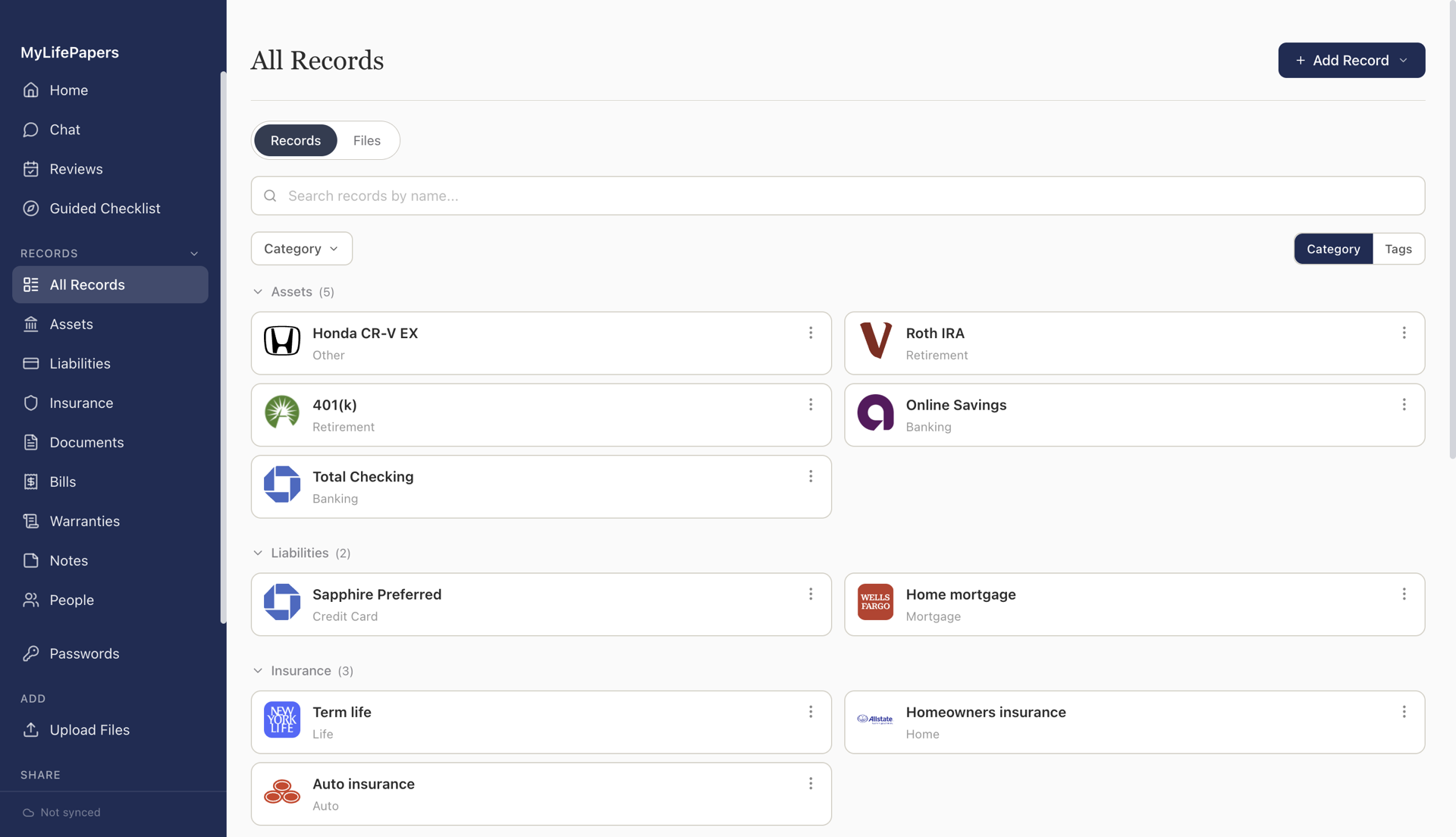
All Records
Accounts
Insurance
Documents
Review
All Records Search records...
Checking Account
Chase Total Checking
Account ····4829
Banking
Auto Insurance
State Farm Policy #AF291
Renews Sep 15, 2026
Renews in 171 days
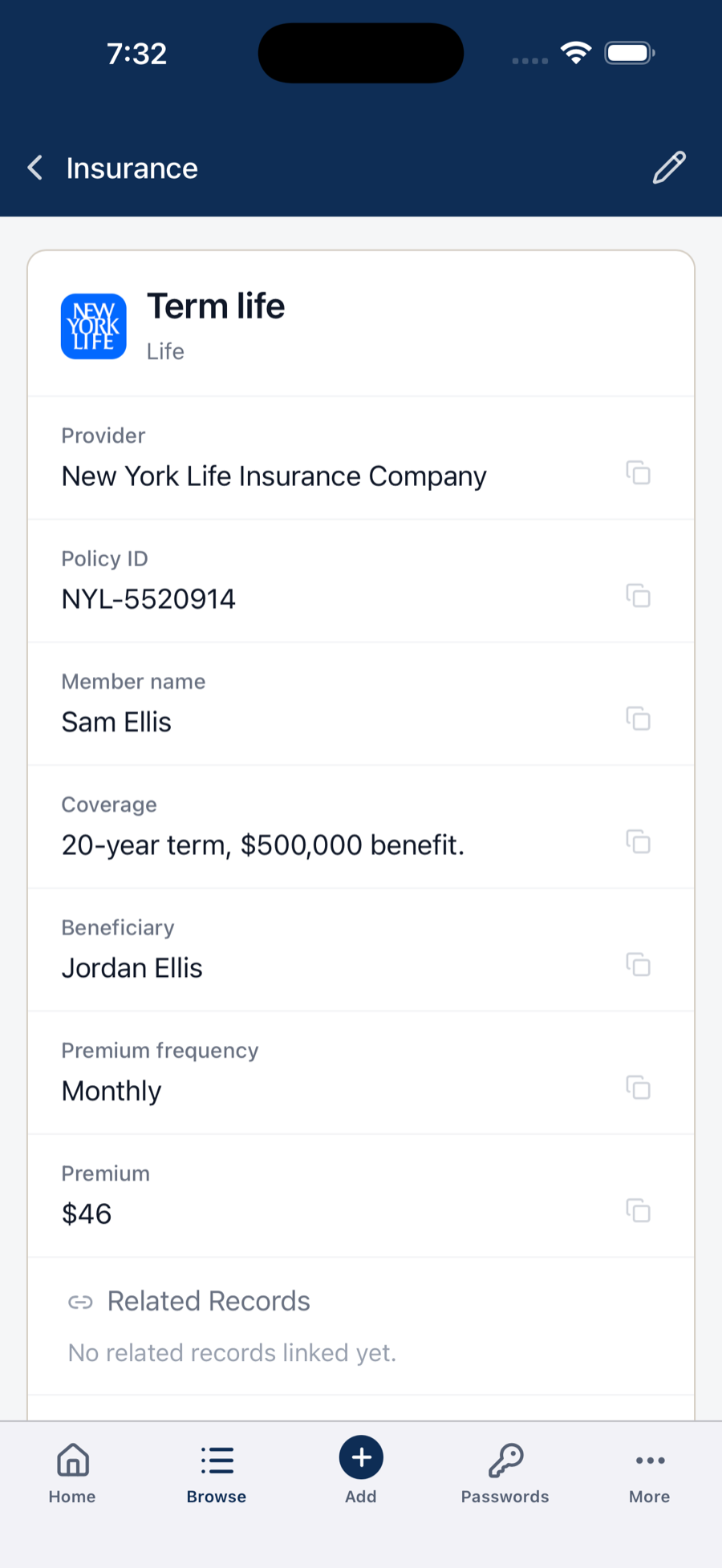
Life Insurance
Northwestern Mutual $500k Term
Beneficiary: Maria Rivera
Insurance
Warranty
Samsung Refrigerator
Expires Jan 2028
Active

You know where everything is. Does your family?

Bank accounts, insurance policies, mortgage details, important documents. Scattered across apps and folders no one else could navigate.

Medical emergency
Your spouse needs the insurance provider, the policy number, and your employer's group plan details. Right now.
Estate settlement
Your executor needs to find every account, every policy, every asset. Without you there to explain.
Everyday questions
"Where's the car registration?"
"When does Sara's passport expire?"
"What's the alarm company login?"
Private by Design

Encrypted everywhere. Private by design.

We can't read your data. That's the whole point.

Every member holds their own key
Each family member gets their own passphrase to the same vault. No shared passwords, no single point of access.
Share what you choose, keep the rest private
Control who sees what, down to the section. Show your spouse everything including private notes and files. Give your child just the basics.
You choose where your data lives
Your devices, your own cloud storage like Google Drive, or our managed encrypted backup. You're never locked in.
Works forever, works offline
Buy it once and it's yours. No server dependency, no internet required, no expiration date.

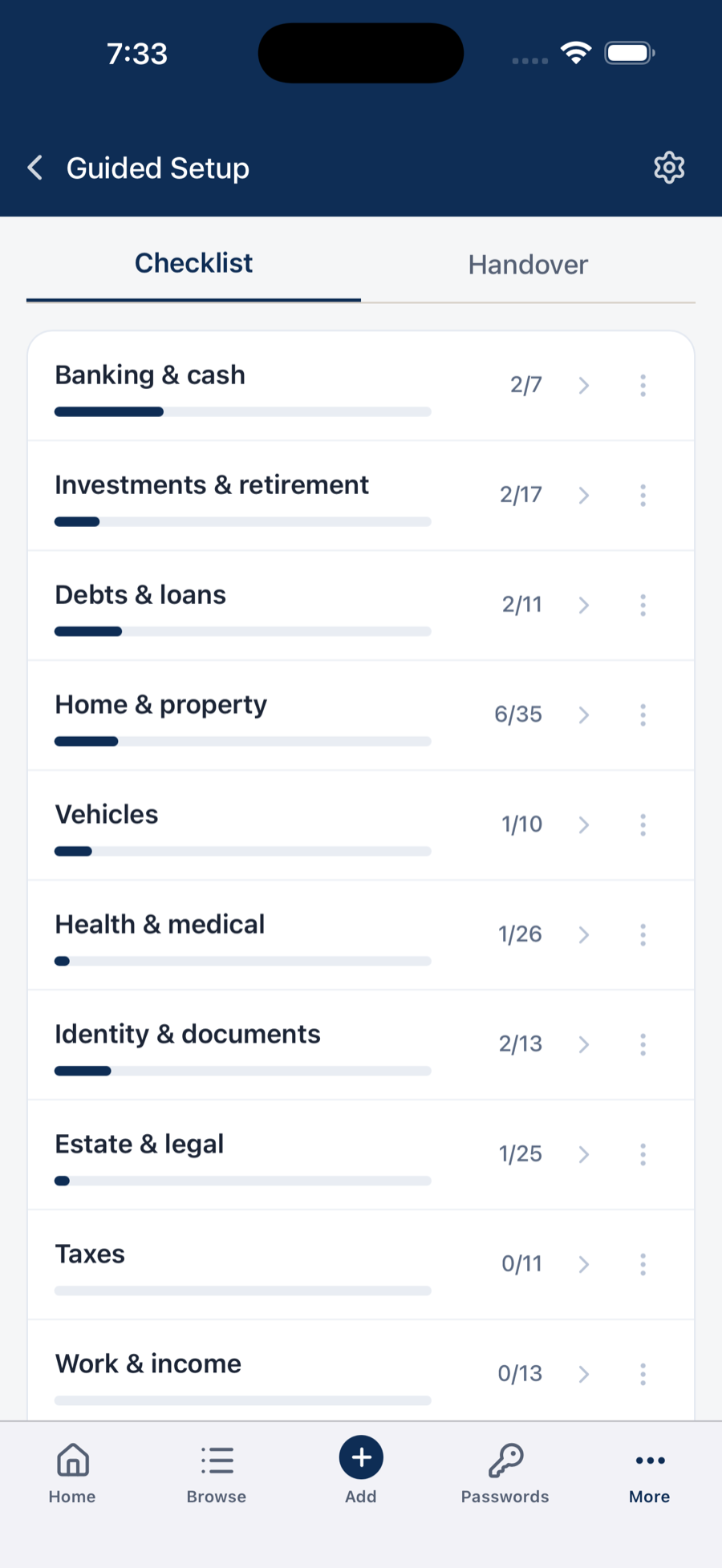
Set up in minutes, not hours

Grab your wallet, point your camera, and start scanning.

1

Create your vault

Choose a passphrase. Your encrypted vault is created on your device. No signup needed.

2

Scan your cards

Point your camera at insurance cards, licenses, or IDs. Details are extracted and organized automatically.

3

Share with family

Pair your spouse's phone with a QR code. They get their own passphrase. One vault, two keys.

Everything your household needs in one place

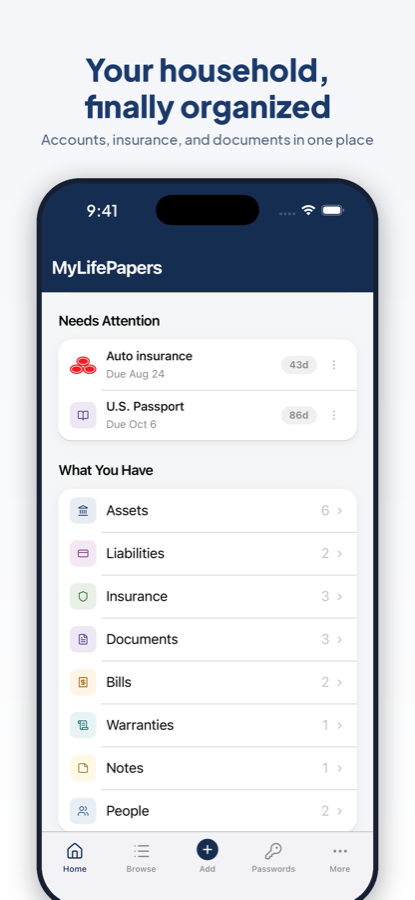
Set expiry reminders on any record. Get notified when things are due, or add them to your calendar with one click.

Bank accounts
Checking, savings, brokerage, retirement
Insurance policies
Health, auto, home, life, umbrella
Mortgages and loans
Lender, balance, payment details
Warranties
Appliances, electronics, vehicles
Vehicles
Registration, title, service records
Important documents
Passports, licenses, tax returns, deeds
Contacts and advisors
Attorneys, accountants, doctors, agents
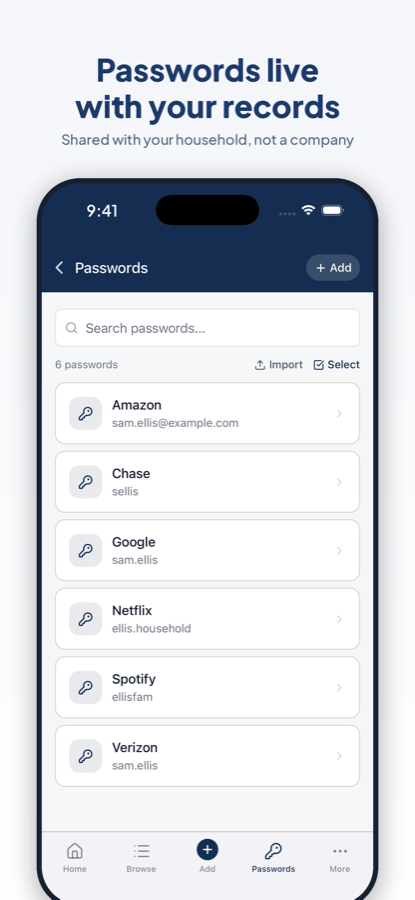
Passwords and PINs
Stored encrypted, revealed only when needed

Your household, organized and protected

Each family member has their own passphrase, manages their own records, and controls who sees what.

MyLifePapers
Synced on
Trusted Access
View access for people outside your household
👤 Robert Father
👤 Linda Mother
👤 Michael Will executor
⚖️ Attorney
👤 Dave Trusted friend
Google Drive
Your cloud. Your backup.
or
Managed Backup
Encrypted. Hands free.
Simple, Honest Pricing

Buy once, own forever.

Add managed backup for complete peace of mind.

One-Time Purchase
MyLifePapers
$49
Early members pricing. Regular price $99
Encrypted on your device
Sync to your own Google Drive
Multiple family members, each with their own records
Multiple devices: Mac, Windows, iOS, Android
Share what you choose, keep the rest private
Trusted access: share a secure snapshot with an executor, attorney, or anyone you choose

No subscription. Works forever.

Try free. Up to 10 records, full functionality. No email, no credit card.

Get Started Free
Optional Add-On
Managed Backup
$3.99 /month
Billed annually. Cancel anytime.
25 GB encrypted storage
Seamless backup and sync, no Google Drive setup needed
Live trusted access that always reflects your latest records
Learn More

MyLifePapers works perfectly without this.

"I built MyLifePapers because I needed it for my own family. Every architectural decision comes from asking one question: what would I want protecting my household's most important information?"

Anusha, Founder

Common questions

What if I lose my phone or laptop?
Your vault syncs (encrypted) to Google Drive or our managed backup. Set up a new device, enter your passphrase, and everything is restored.
What if I forget my passphrase?
During setup you get a recovery code. Store it somewhere safe. It's the only way to regain access if you forget your passphrase. This is by design.
Can I use it on multiple devices?
Yes. One purchase covers all your devices: Mac, Windows, iPhone, iPad, and Android. Your vault stays in sync across all of them.
What happens if MyLifePapers shuts down?
Your data lives on your device, not our servers. The app continues to work. Your encrypted backup in Google Drive remains yours.

Give your family the information they'd need

Start with 10 records free. No email, no credit card.

Also available on iPhone and Android.