Where your family can find what matters.
Your household's accounts, documents, and passwords in one private place. Encrypted on your device, ready for the people who will need it.
$49 once for the whole household. No account or email to try it.
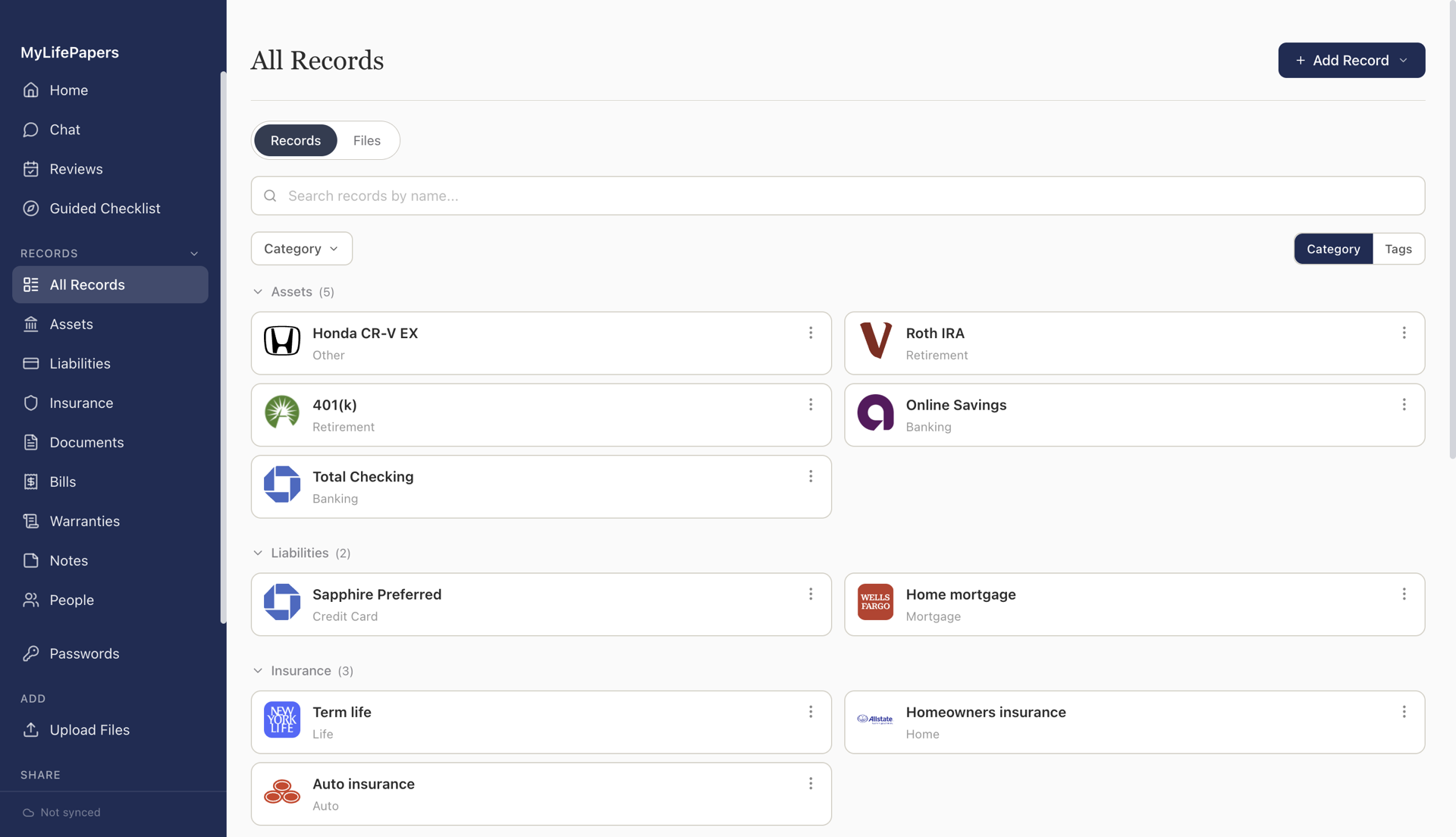
Your household's accounts, documents, and passwords in one private place. Encrypted on your device, ready for the people who will need it.
$49 once for the whole household. No account or email to try it.
The logins, policies, and account numbers that live in your head, kept in one place your family can actually use.
A frozen card or a policy number a hospital needs, answered from your phone.
Organize a parent’s affairs together, once, while it is easy to ask.
Your family finds the will, the accounts, and the policies without hunting.
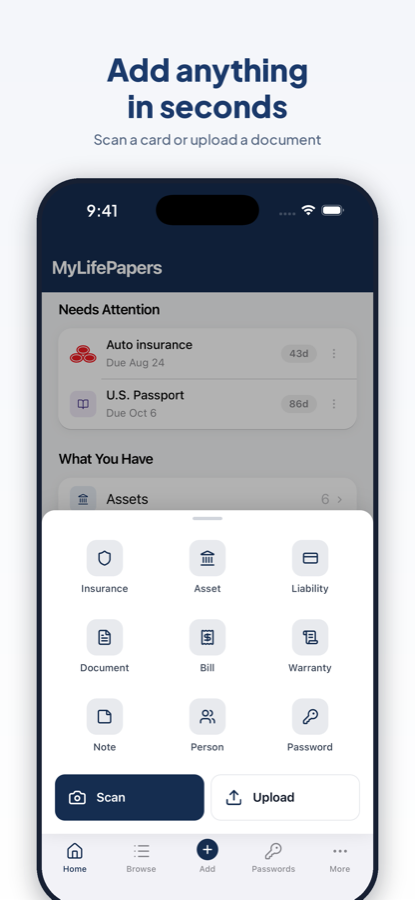
Add a record by hand or scan it. Everything is encrypted on your device before it syncs.
Point your camera at an ID, passport, or insurance card. It fills in the fields.
Every kind of record, with custom fields, tags, and search across everything.
Extraction, classification, and search run locally. Nothing is uploaded.
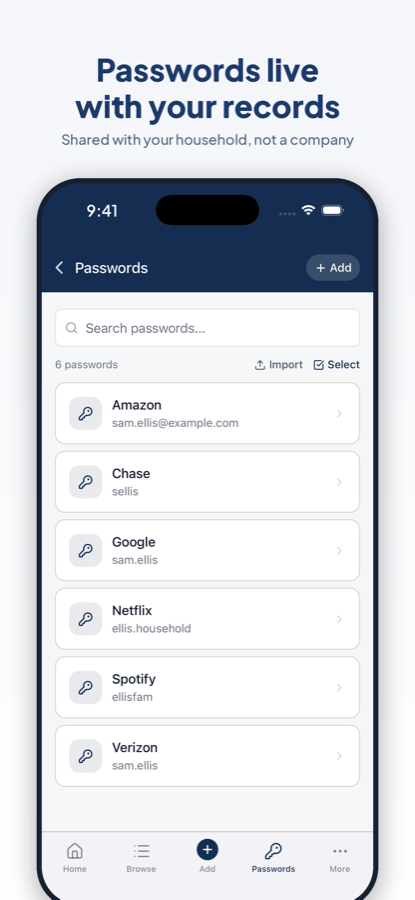
A generator, autofill on iPhone and Android, and import from your current manager.
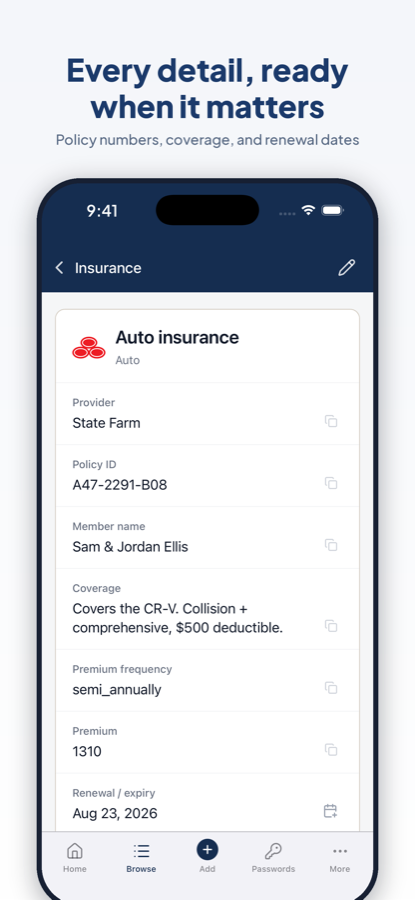
Not a folder of files. A place where every record has its details, and your family can actually navigate it.
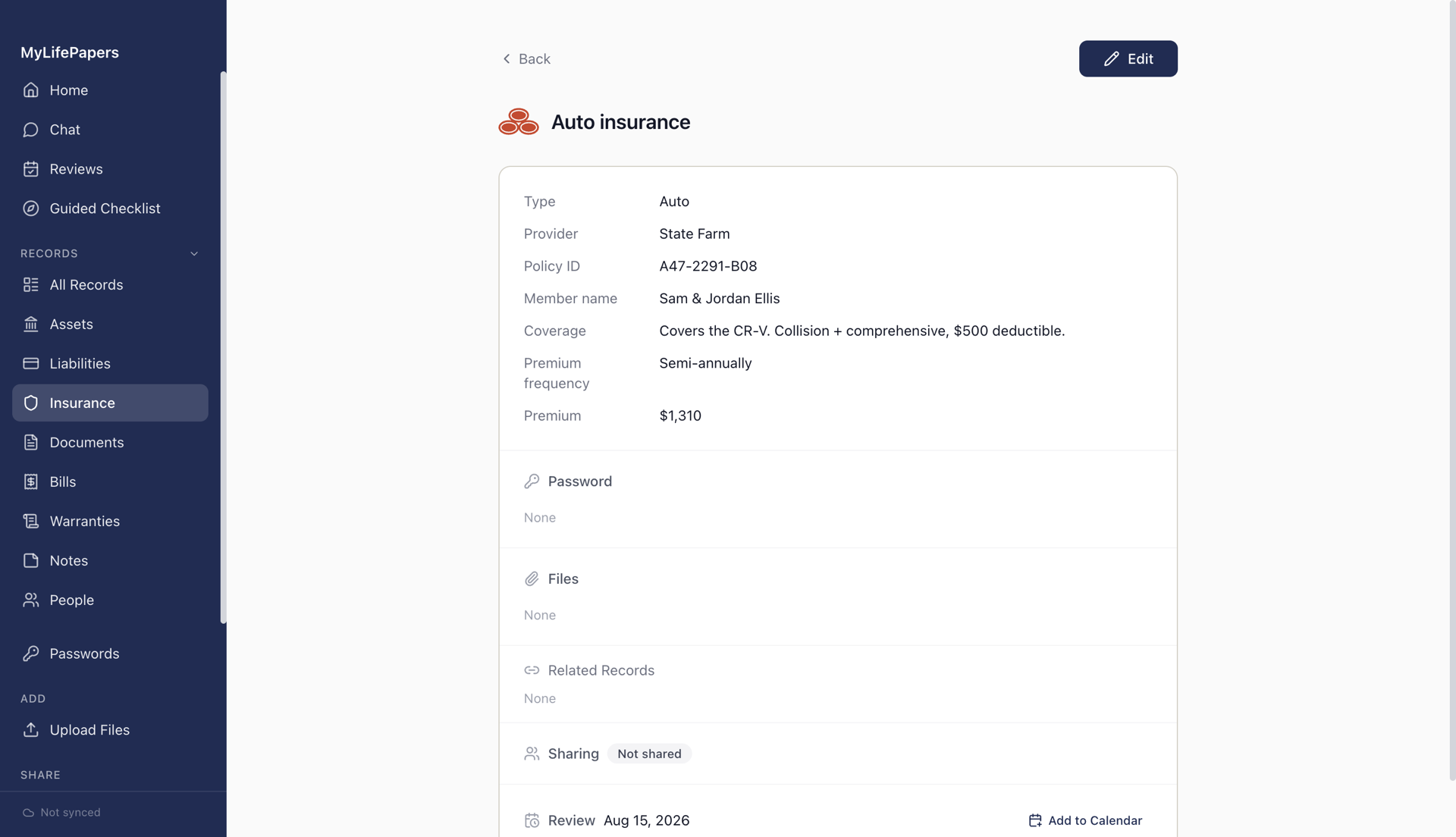
The fields that fit each type, plus files, a linked password, a renewal reminder, and who it is shared with. All in one view.
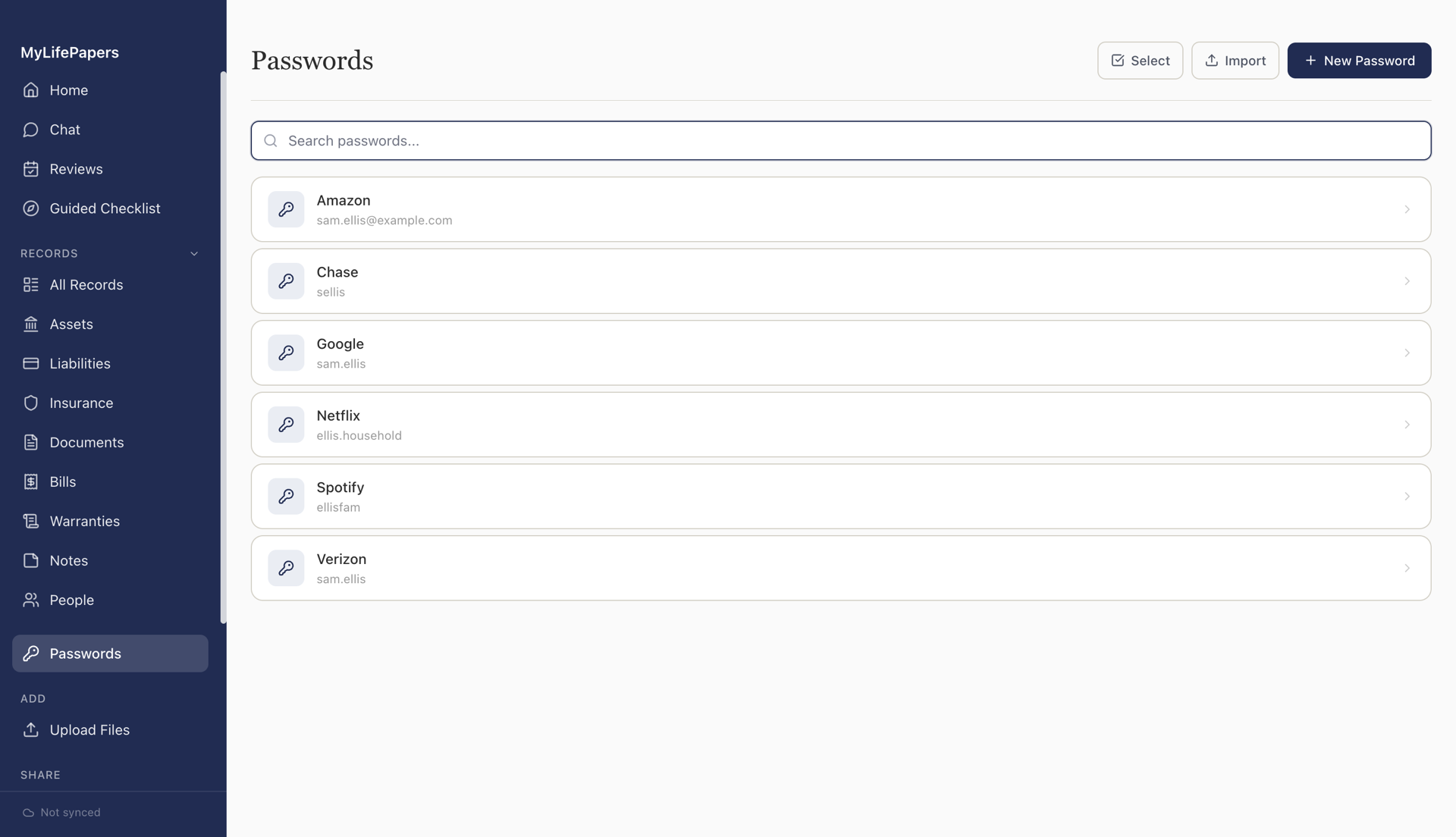
Generate strong passwords, autofill them on your phone, and import from 1Password, Bitwarden, or LastPass. Kept next to the accounts they unlock.
Your data is stored encrypted on your device, and it stays encrypted when it syncs to the cloud, your own or ours. Only you hold the key.
The key comes from your passphrase and never reaches us. We only ever store data we cannot read.
No tracking in the app or on this site. Fully usable offline, no account required.
Face ID or Touch ID day to day, with a recovery code that only you hold.
If you forget your passphrase and lose your recovery code, no one can recover your data. Not even us. That is the trade-off for records only your household can read.
Add a spouse or an adult child. Each person unlocks with their own passphrase and controls their own records.
No shared password. Your spouse never needs your passphrase, and you never need theirs.
Choose per record and per section. Share the household bills, keep your journal private.
A private, view-only link to chosen records for an executor or attorney. Part of Plus.
Synced through the cloud you already use. You own the storage and the keys.
Scan an ID with your camera, unlock with Face ID, and autofill your passwords. On iPhone and Android.
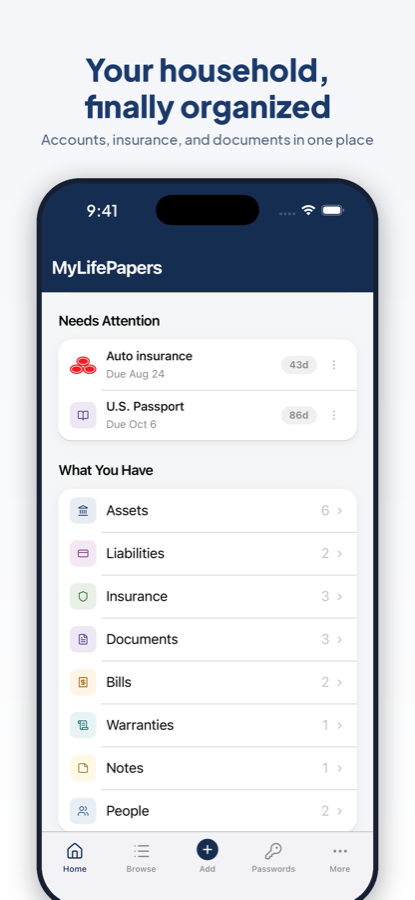
$49, one time, for your whole household. Add Plus for the cloud features.
Everything here runs on your own device and your own cloud.
Everything in MyLifePapers, plus our cloud.
Cancel anytime, and keep MyLifePapers forever.
Cloud backup, Trusted Access, and Secure Send. Free for the first year, then $1.99/mo billed annually. Cancel anytime.
You get back in with your recovery code. Lose both, and no one can recover your records, including us.
No. MyLifePapers is $49 once for your household. Plus is an optional add-on for the cloud features that you can turn on or off anytime.
On your devices and the cloud you choose: Google Drive, Dropbox, OneDrive, or a local folder. You own it.
Your vault is on your device and in your own cloud, so the app keeps working and your records stay yours.
Yes. One purchase covers your household, and each member joins with their own passphrase.
No. Extraction and search run entirely on your device and work without an internet connection. Your documents are never uploaded to be read.
With Plus, create a Trusted Access link to chosen records. They open it in a browser, no app or account needed.