Your household's important information shouldn't live in one person's head

One encrypted vault for your household's accounts, insurance, documents, and contacts.

10 records free. No email required. Works offline.

Rivera Household
12 records
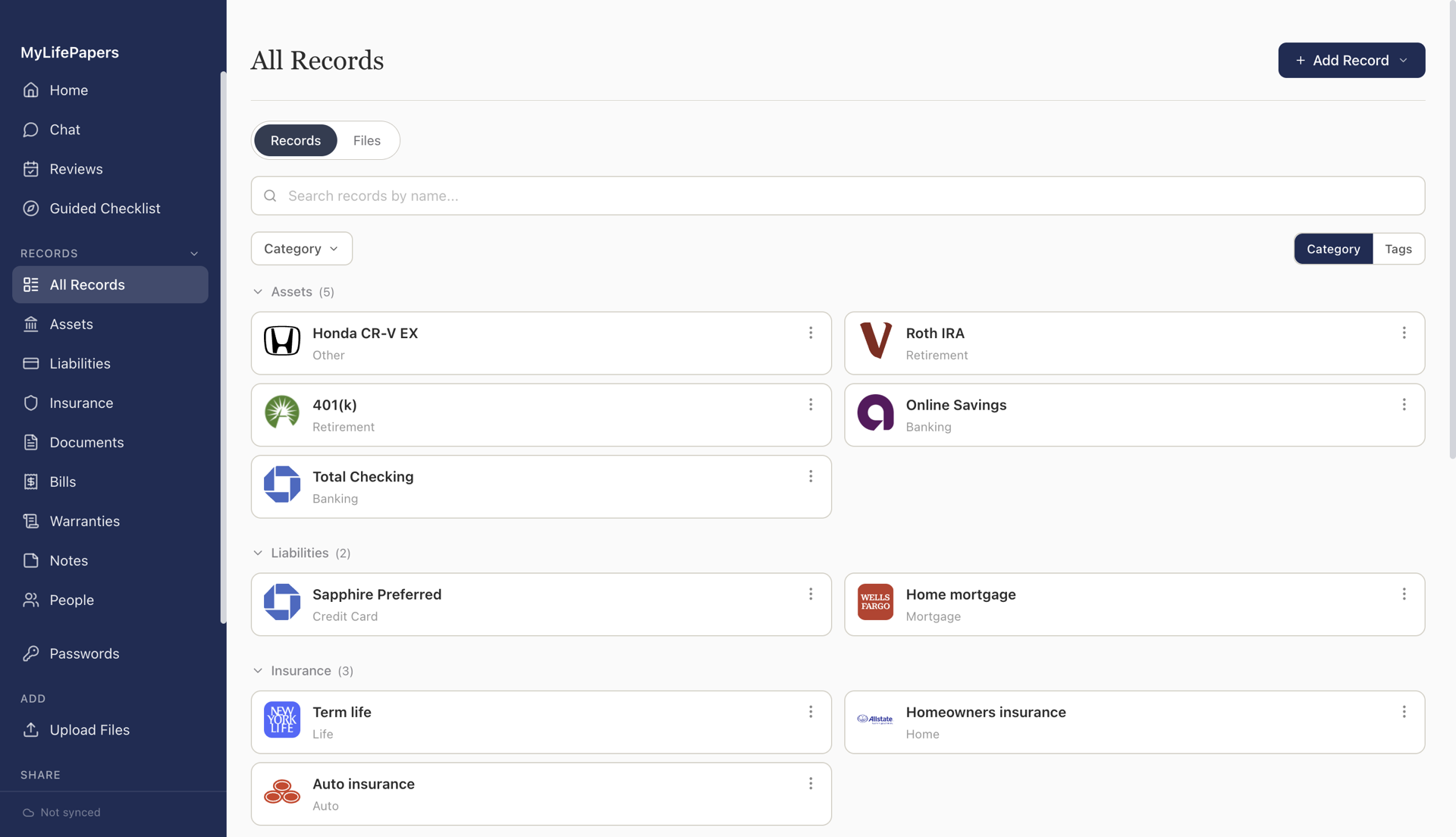
All Records
Accounts
Insurance
Documents
Review
All Records Search records...
Checking Account
Chase Total Checking
Account ····4829
Banking
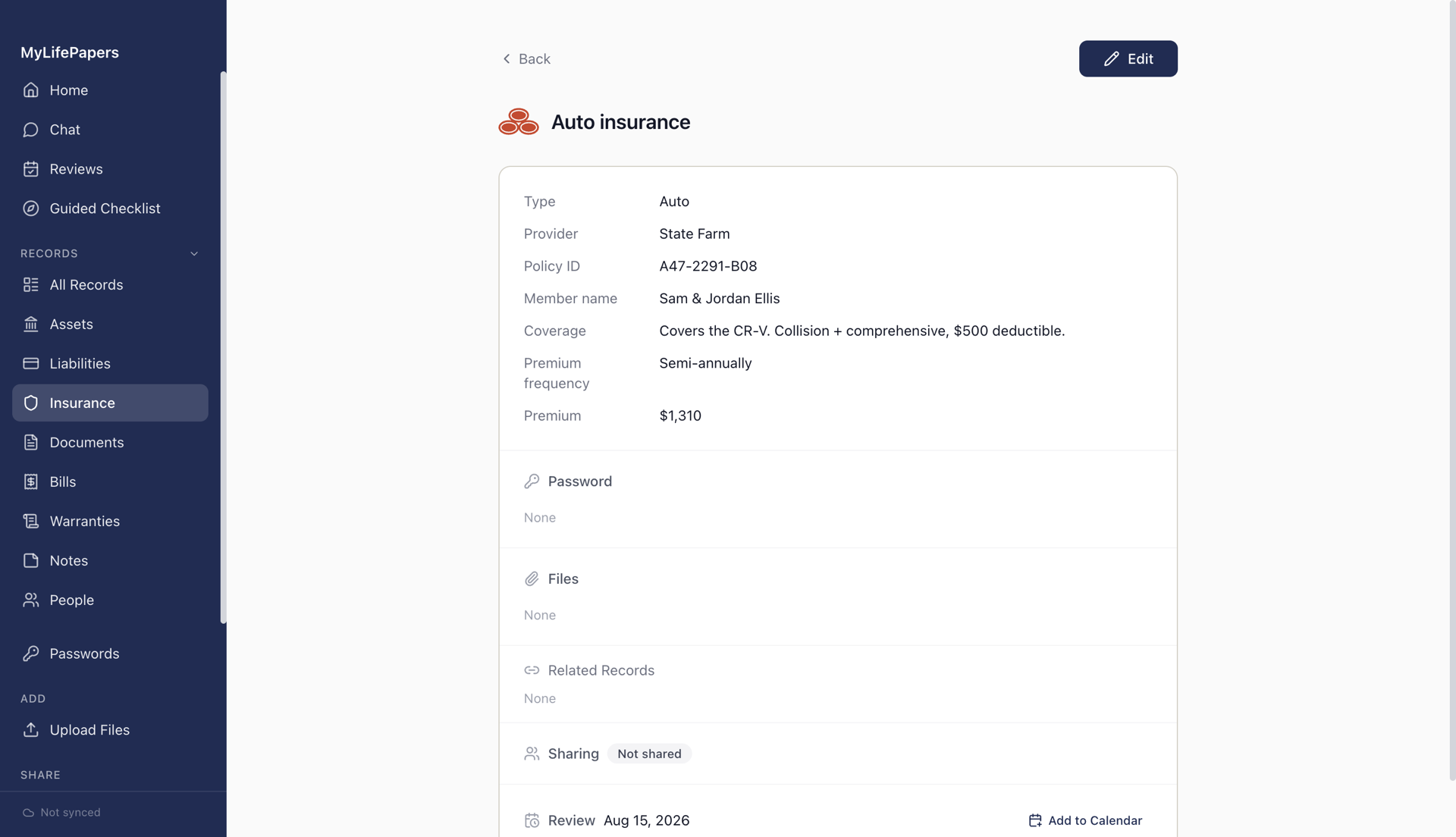
Auto Insurance
State Farm Policy #AF291
Renews Sep 15, 2026
Renews in 63 days
Life Insurance
Northwestern Mutual $500k Term
Beneficiary: Maria Rivera
Insurance
Warranty
Samsung Refrigerator
Expires Jan 2028
Active

You know where everything is. Does your family?

Bank accounts, insurance policies, mortgage details, important documents. Scattered across apps and folders no one else could navigate.

Medical emergency
Your spouse needs the insurance provider, the policy number, and your employer's group plan details. Right now.
Estate settlement
Your executor needs to find every account, every policy, every asset. Without you there to explain.
Everyday questions
"Where's the car registration?"
"When does Sara's passport expire?"
"What's the alarm company login?"
Private by Design

Encrypted everywhere. Private by design.

We can't read your data. That's the whole point.

Every member holds their own key
Each family member gets their own passphrase to the same vault. No shared passwords, no single point of access.
Share what you choose, keep the rest private
Control who sees what, down to the section. Show your spouse everything including private notes and files. Give your child just the basics.
You choose where your data lives
Your devices, your own cloud storage like Google Drive, or our managed encrypted backup. You're never locked in.
Works offline, always yours
Your records live on your device, with no server dependency and no internet required. If you ever stop your subscription, they stay right where they are.

Set up in minutes, not hours

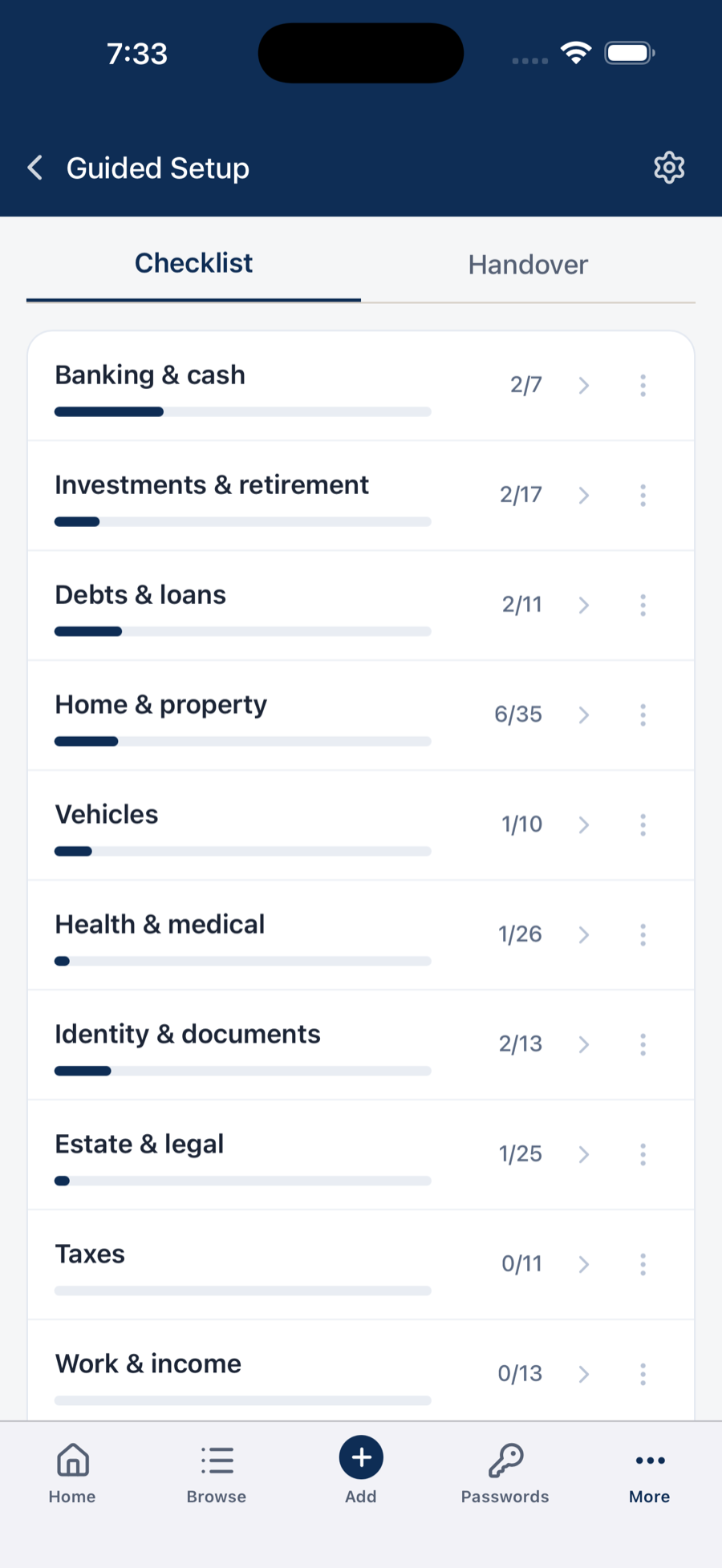
Grab your wallet, point your camera, and start scanning.

1

Create your vault

Choose a passphrase. Your encrypted vault is created on your device. No signup needed.

2

Scan your cards

Point your camera at insurance cards, licenses, or IDs. Details are extracted and organized automatically.

3

Share with family

Pair your spouse's phone with a QR code. They get their own passphrase. One vault, two keys.

Everything your household needs in one place

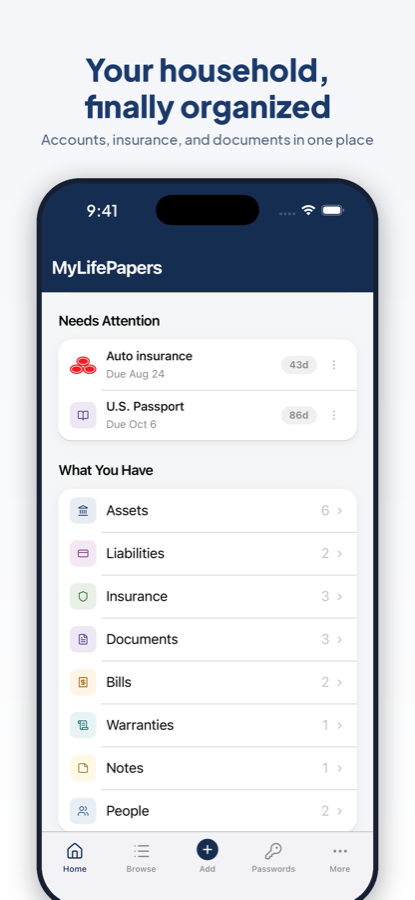
Set expiry reminders on any record. Get notified when things are due, or add them to your calendar with one click.

Bank accounts
Checking, savings, brokerage, retirement
Insurance policies
Health, auto, home, life, umbrella
Mortgages and loans
Lender, balance, payment details
Warranties
Appliances, electronics, vehicles
Vehicles
Registration, title, service records
Important documents
Passports, licenses, tax returns, deeds
Contacts and advisors
Attorneys, accountants, doctors, agents
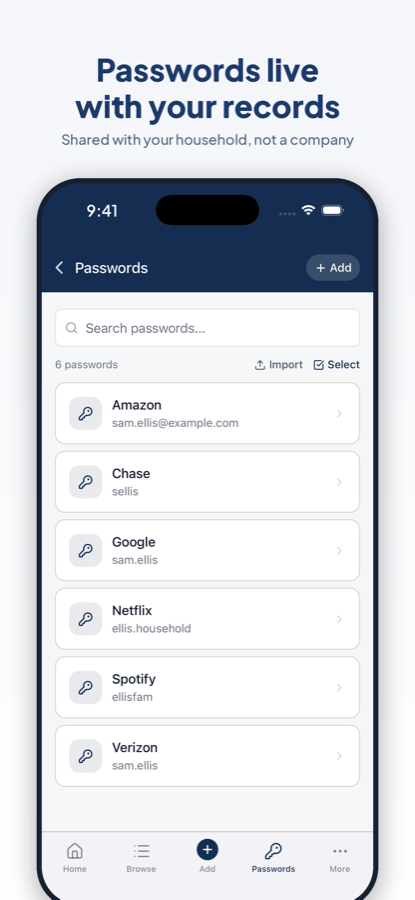
Passwords and PINs
Encrypted and revealed only when needed, with a built-in generator and import from your current manager

Your household, organized and protected

Each family member has their own passphrase, manages their own records, and controls who sees what.

MyLifePapers
Synced on
Trusted Access
View access for people outside your household
👤 Robert Father
👤 Linda Mother
👤 Michael Will executor
⚖️ Attorney
👤 Dave Trusted friend
Your own cloud
Google Drive, Dropbox, OneDrive, or a local folder.
or
MyLifePapers Cloud
Encrypted. Hands-free.
Simple, Honest Pricing

One plan. Everything in the vault.

Start free. Subscribe when you're ready, billed once a year, cancel anytime.

Start Here
Free trial
$0
Up to 10 records. No email, no card.
Encrypted on your device
The full app: every feature, nothing locked
Mac, Windows, iOS, Android
Get the app free

No time limit. The 10-record cap is the only difference.

Everything Included
MyLifePapers
$4 /month
Billed $48 once a year. Cancel anytime.
Unlimited records, encrypted on your device
Encrypted cloud sync, no Google Drive setup needed
Share a household where each member keeps their own records
Trusted Access for an executor or attorney
Secure Send: hand off a record with a link that expires
Subscribe

If you ever stop, your records stay on your device and your own cloud. You keep everything.

Common questions

Everything worth knowing before you start.

More questions? Visit the Help center
Which devices does it work on?
Mac, Windows, iPhone, iPad, and Android. Your subscription covers all of them, and your vault stays in sync across every device you use.
Where is my data stored, and can you see it?
On your own device, encrypted with a key derived from your passphrase. When it syncs it stays encrypted, whether you use your own cloud (Google Drive, Dropbox, OneDrive, or a local folder) or MyLifePapers Cloud. We can't read any of it.
What if I forget my passphrase?
During setup you get a recovery code. Keep it somewhere safe. It's the only way back into your vault if you forget your passphrase, and that is by design: it's what keeps your data yours alone.
What if I lose my phone or laptop?
Nothing is lost. Install the app on a new device, enter your passphrase, and your encrypted vault restores from your cloud.
What happens if MyLifePapers shuts down?
Your data lives on your device, not on our servers, so the app keeps working. Your encrypted backup in your own cloud stays yours.

Your household's records, finally in one place.

Start free with 10 records. No email, no credit card.

macOS Windows App Store Google Play

Launching soon on all four.

Encrypted on your device before it goes anywhere